

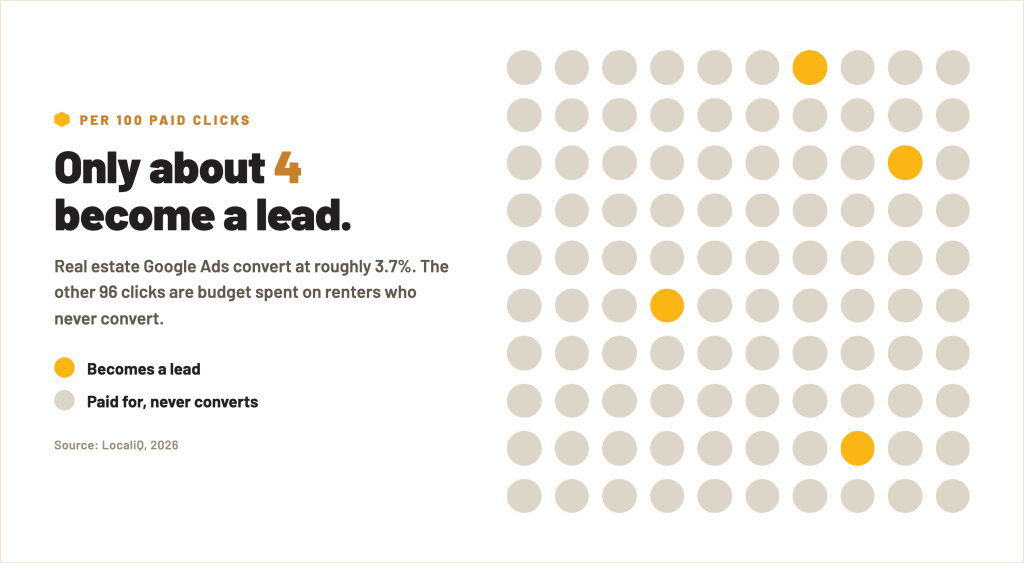
Real estate Google Ads convert at about 3.7% (LocaliQ, 2026). That is one of the lowest conversion rates of any industry.
Flip it around and it stings: roughly 96 of every 100 clicks you pay for never turn into a lead, let alone a lease. At an average cost per lead of $102.51 (LocaliQ, 2026), that is a lot of budget buying renters who were never going to convert.
The good news? Most of that waste is fixable, and you can find it in about 20 minutes. Set a timer.
Why Your Google Ads Leak (and It Is Not Your Budget)
Here is the part most operators get backwards. When leads are thin, the instinct is to raise the budget. But the biggest gains in paid search rarely come from spending more. They come from Quality Score and landing page relevance, which decide whether the clicks you already pay for actually convert.
Translation: the leak is almost never “not enough money.” It is money pointed at the wrong searches, or clicks dumped onto a page that was never built to convert.
Clicks in apartment search are cheap and easy to get. Turning them into a tour is the hard part. If you are paying around $3.22 a click (LocaliQ, 2026) to send renters to a generic homepage, you are renting traffic and then losing it at the door.
The 20-Minute Audit: 6 Checks
You do not need an agency or a spreadsheet for this. Open your Google Ads dashboard and work through these in order.
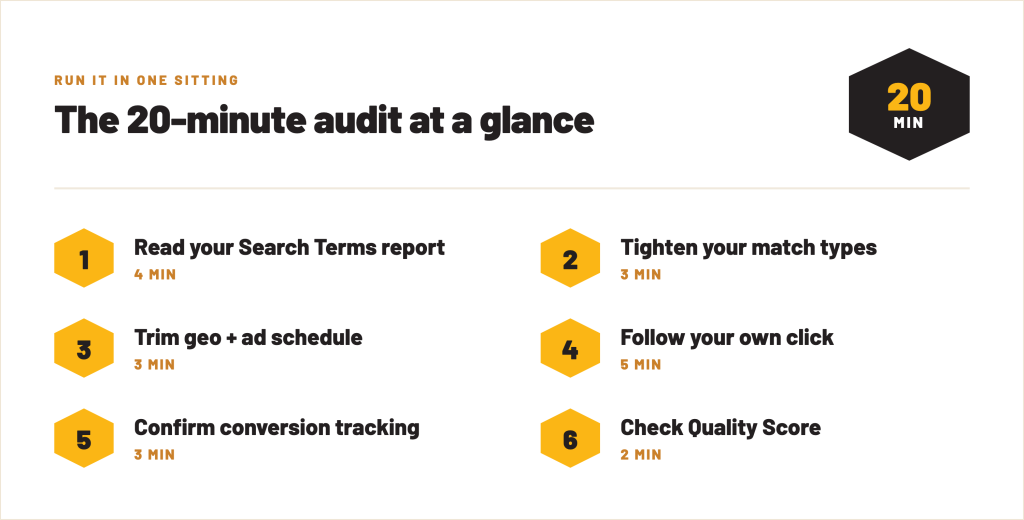
1. Read your Search Terms report (4 minutes)
Go to your Search Terms report. This shows the actual phrases people typed before clicking your ad, not the keywords you think you are bidding on.
You will almost always find junk: “apartments for sale,” “section 8 housing,” a competitor’s name, jobs, a city three states away. Every one of those is a click you paid for that could never lease. Add them as negative keywords. This single step often recovers the most wasted spend.
2. Check your match types (3 minutes)
If your keywords are set to broad match, Google is free to show your ad for loosely related searches. Broad match is where budget quietly disappears.
Tighten your most expensive keywords to phrase or exact match, and let the Search Terms report tell you what to add back. You want to pay for renters searching for what you actually offer, not everyone in the neighborhood of your topic.
3. Check geo and schedule targeting (3 minutes)
Look at your location settings. Are you targeting a tight radius around your property and the neighborhoods renters actually commute from, or a whole metro? Are you paying full price for clicks at 2 a.m. when your office is closed and nobody tours?
Pull location and hour-of-day reports. Trim the zones and times that spend money without producing tours.

4. Follow your own click (5 minutes)
This is the big one. Click your own ad (or look at the final URL) and see where it actually lands.
If a renter searches “2 bedroom apartments near [neighborhood]” and lands on your generic homepage, you have made them start the search over. That mismatch is where conversion rate goes to die. The top-performing advertisers send each ad to a page built for that exact search, with a headline that matches the query and one clear call to action.
Ask yourself: does the page answer the search in the first five seconds, and is the next step obvious? If not, you found your leak.
5. Confirm conversion tracking is real (3 minutes)
Open your Conversions settings. Are you tracking actual leads, form submits, and calls, or just counting clicks?
If you are optimizing toward clicks, Google will happily get you cheap clicks that never convert. You cannot fix what you are not measuring. Make sure a completed contact form or a tracked call is what counts as a conversion.
6. Check ad-to-page match and Quality Score (2 minutes)
Quality Score is Google’s read on how relevant your keyword, ad, and landing page are to each other. Higher relevance means lower cost per click and better placement for the same budget.
Scan your Quality Scores. Anything at a 4 or below usually points to a weak ad-to-page match, which loops right back to step 4.

The Real Leverage Is Where the Click Lands
Notice how many of those checks point back to the same place: the page renters hit after they click.
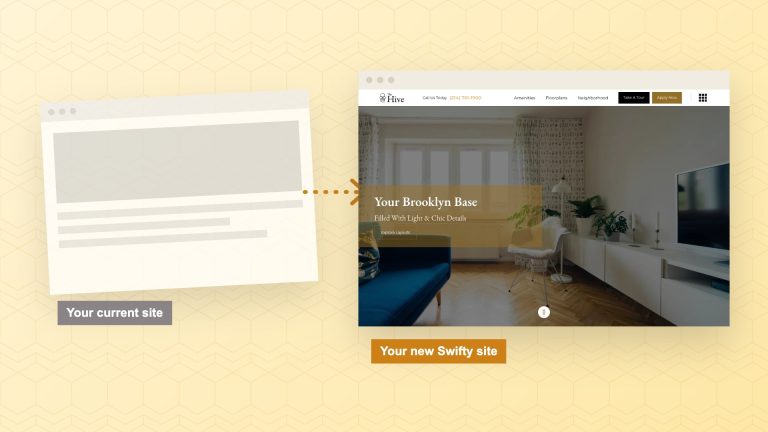
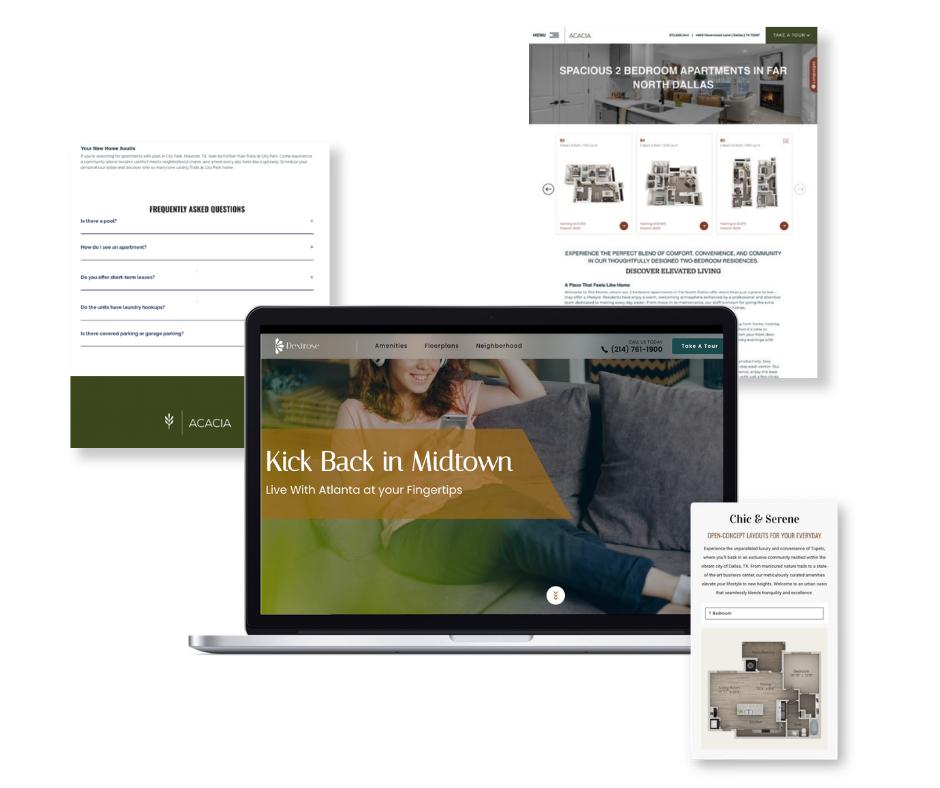
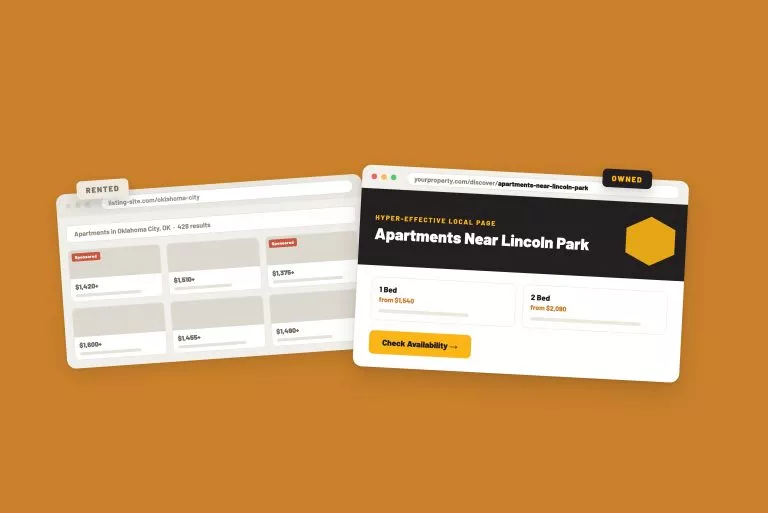
You can tighten keywords and trim geo all day, but if paid traffic lands on a page that does not match the search, your conversion rate stays stuck at the industry floor. The advertisers winning multifamily PPC are not spending more. They are sending each click to a relevant, purpose-built local page.
That is also the difference between renting traffic and owning it. A paid click is gone the moment your budget runs out. The page you send it to is an asset you keep, and it keeps working in organic search long after the campaign ends.

How Swifty Handles This
Running that audit every month is a job in itself, which is why our Google Ads Management service exists. We handle the strategy, setup, and optimization so the budget works without you living in the dashboard. Here is how it works for communities:
- A dedicated campaign manager, not set-and-forget. Someone who learns your property’s goals and refines the campaigns continuously, instead of building them once and walking away.
- Targeting built for renters, not just clicks. We use Google’s intent signals, location data, and behavior patterns to reach renters actively searching in your market, and cut the wasted spend on everyone else.
- Measured against leads and leases. A real-time dashboard tracks cost per lead and conversions, so the budget is judged on signed leases, not traffic.
- You stay in control. Turn campaigns on or off on demand, push a specific floor plan, adjust for the season, or scale across a whole portfolio.
- Layered on your owned foundation. Google Ads is the paid accelerant on top of your website and Search360, so paid and owned reinforce each other.
The proof is in the numbers. Over the last 12 months, calls, tour requests, contact forms, and completed applications from Swifty-managed Google Ads cost about $48 each, about half the $99 average cost per lead for apartment and rental search ads (LocaliQ, 2026).
The paid audit fixes the leaks. The owned foundation underneath is what lets you turn the spend down when you want to, without turning off your pipeline.

The Bottom Line
A low conversion rate is not the cost of doing business in multifamily. It is usually a signal that your budget is pointed at the wrong searches or the wrong page. Run the 20-minute audit, fix the search terms and the landing page first, and stop paying for renters who were never going to convert. Then build the owned traffic underneath it so you need fewer paid clicks at all.
FAQ
How much should an apartment community spend on Google Ads?
The average community spends around $1,845 a month on digital ads (RentVision, 2026), but the number matters less than where it points. A smaller budget aimed at tight keywords and a relevant landing page will beat a bigger one leaking on broad match.
Should I send my ads to my homepage?
Almost never. A homepage makes the renter start their search over. Send each ad to a page that matches the specific search, with a headline that echoes the query and one clear call to action.
Isn’t a low conversion rate just normal for apartment ads?
Low is common, but it is not fixed. Real estate averages about 3.7% (ROA Marketing, 2026), and the top advertisers beat that by a wide margin, mostly through better landing pages and Quality Score, not bigger budgets.
Do I really need a separate landing page for every campaign?
The closer the page matches the search, the better it converts. Purpose-built local pages are the single biggest lever most communities are not pulling, and they keep earning traffic in organic search too.
Related Blog Posts

The Buzz
Get Our Best Marketing Tips
New articles on multifamily marketing, search, and AI, straight to your inbox.