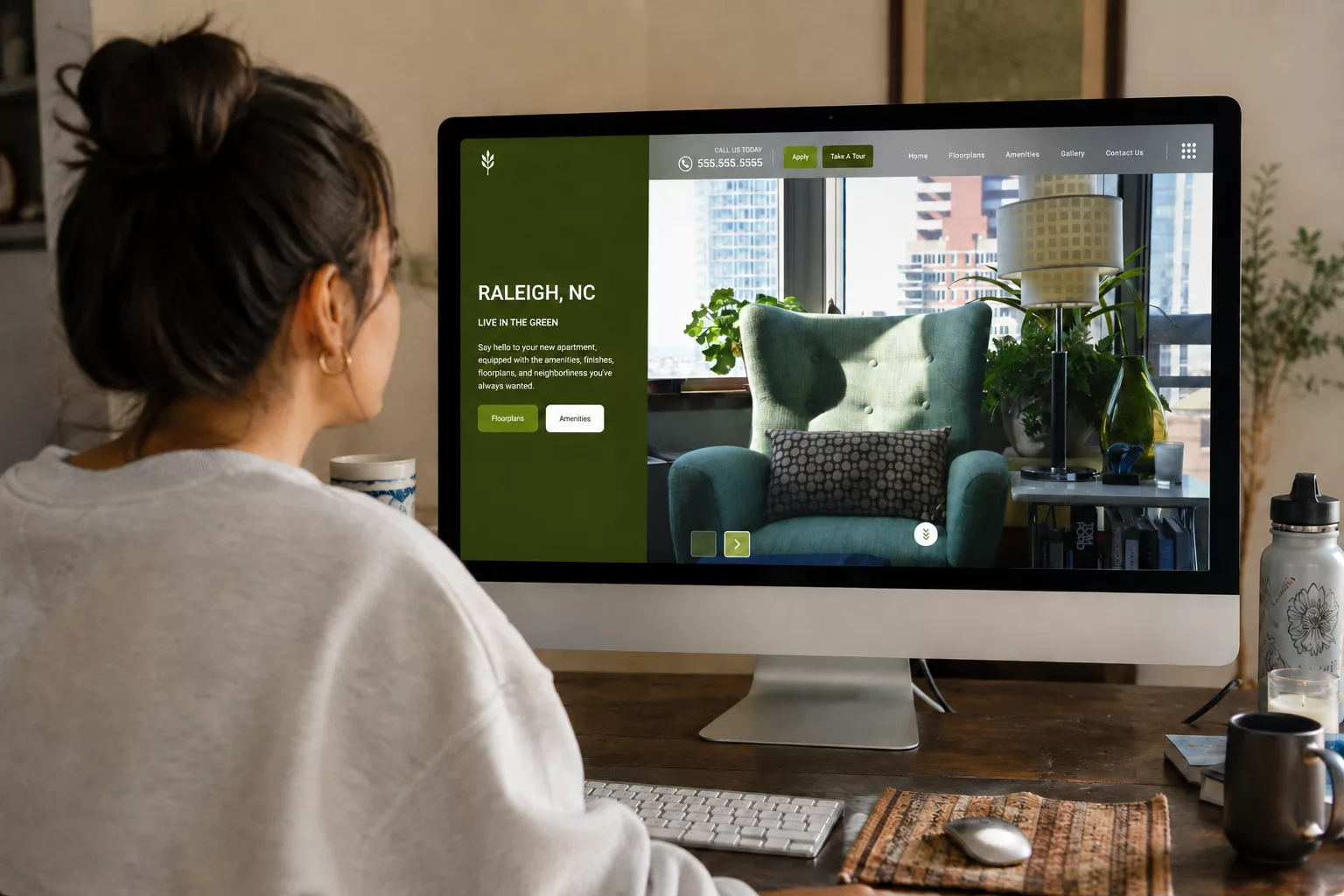


A renter taps your community’s link from a Google result. The page starts to load. You have about three seconds before they decide whether to stay.
That’s not a figure of speech. Google research from 2016 found that 53% of mobile visits were abandoned when a page took longer than three seconds to load. Speed still matters for keeping renters on your site. For an apartment community, that abandoned visit isn’t an abstract bounce rate. It’s a renter who was actively searching, landed on your site, and left before they ever saw a floor plan.
Your website is the one piece of your marketing you fully own. Not a listing you rent on an ILS. Not a profile you manage on someone else’s platform. Yours. Which makes it worth getting right.
So let’s talk about what “right” actually means in 2026 and where most apartment websites quietly fall short.
1. Speed Is a Leasing Problem, Not an IT Problem
Page speed gets filed under “technical stuff the web team handles.” That framing costs you leases.
A slow site loses the renter in the first few seconds. Google also considers page experience, including load speed, when ranking pages. Relevant content matters most, but a faster site could give you an edge. A slow site also means fewer visitors staying, and the ones who do arrive leave faster. The problem compounds.
The fix isn’t glamorous. It’s image optimization, clean code, and a platform built for performance from the ground up rather than a template weighed down by years of patches.

2. Most of Your Traffic Is on a Phone. Design for It First.
Renters search for apartments the way they do everything else: on their phones, often from the couch, often comparing three communities at once. If your floor plan filters are clumsy on mobile, or your gallery loads sideways, or a button is too small to tap, you’ve handed that renter to the community whose site just worked.
This is where the details matter:
- Floor plan search that’s actually usable. Clear filters renters understand at a glance — Move-In Date, Bedrooms, Price, Sq. Ft. — not a maze of dropdowns.
- Galleries that load right on every screen size. Your photos are your best salespeople.
- Pages that render correctly across devices. Sounds basic. It’s where a surprising number of apartment sites break.
3. Accessibility Is Now a Standard, Not a Bonus
Web accessibility, often discussed as ADA compliance and WCAG standards, means your site works for people using screen readers, keyboard navigation, and other assistive tools. For multifamily specifically, this carries real weight: apartment communities have been a repeat target for accessibility-related lawsuits, and an inaccessible website is both a legal exposure and a closed door to renters with disabilities.
But strip away the legal framing and you’re left with something simpler. An accessible site is a clearer, better-structured, easier-to-use site for everyone.

4. A Website You Can Actually Manage Yourself
Here’s the part that quietly drains marketing teams: a website you can’t touch without filing a ticket.
You want to add a move-in special to the homepage. Reorder sections so amenities sit above the fold this quarter. Add an FAQ section to the floor plans page. On a lot of platforms, every one of those is an email to a developer and a wait of days. So the changes don’t happen. The site goes stale.
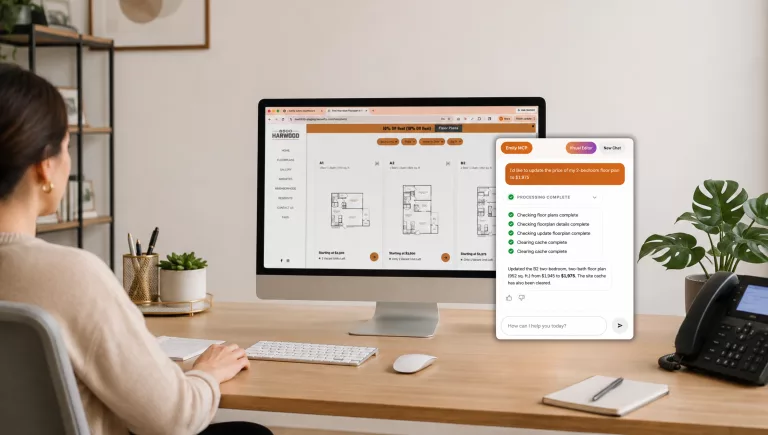
The alternative is a site your on-site team controls directly. Drag-and-drop editing. Sections you can turn on, turn off, and reorder. A live preview so you see exactly what a change looks like before it goes live. When updating your site takes minutes instead of a support ticket, your site stays current. And a current site outperforms a neglected one every time.
How Swifty Handles This
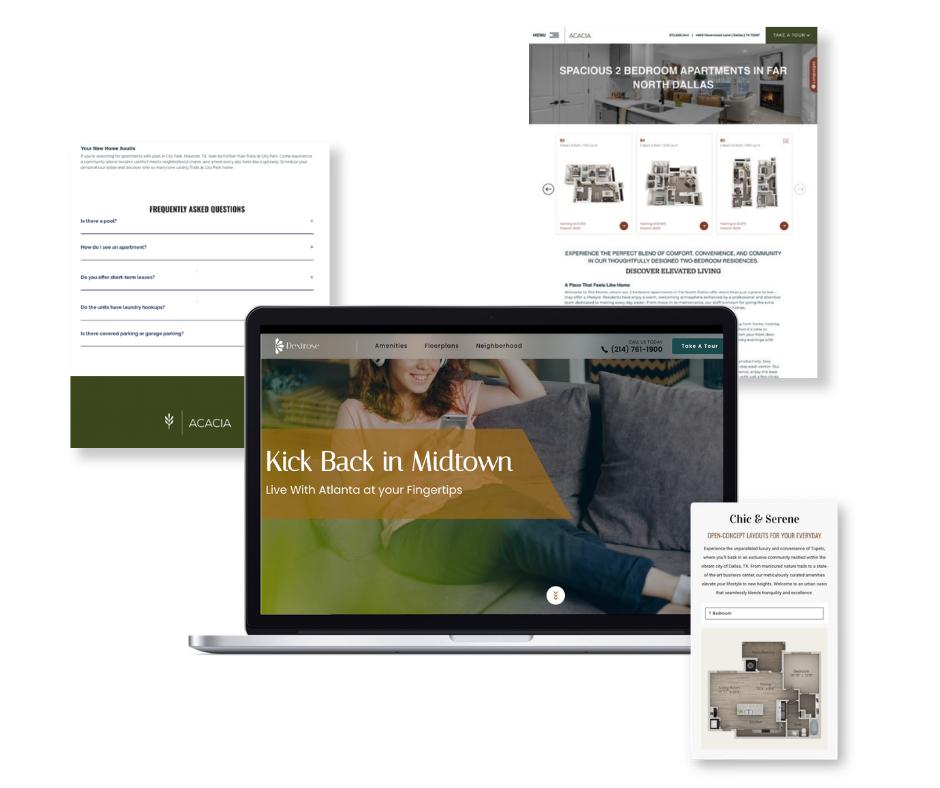
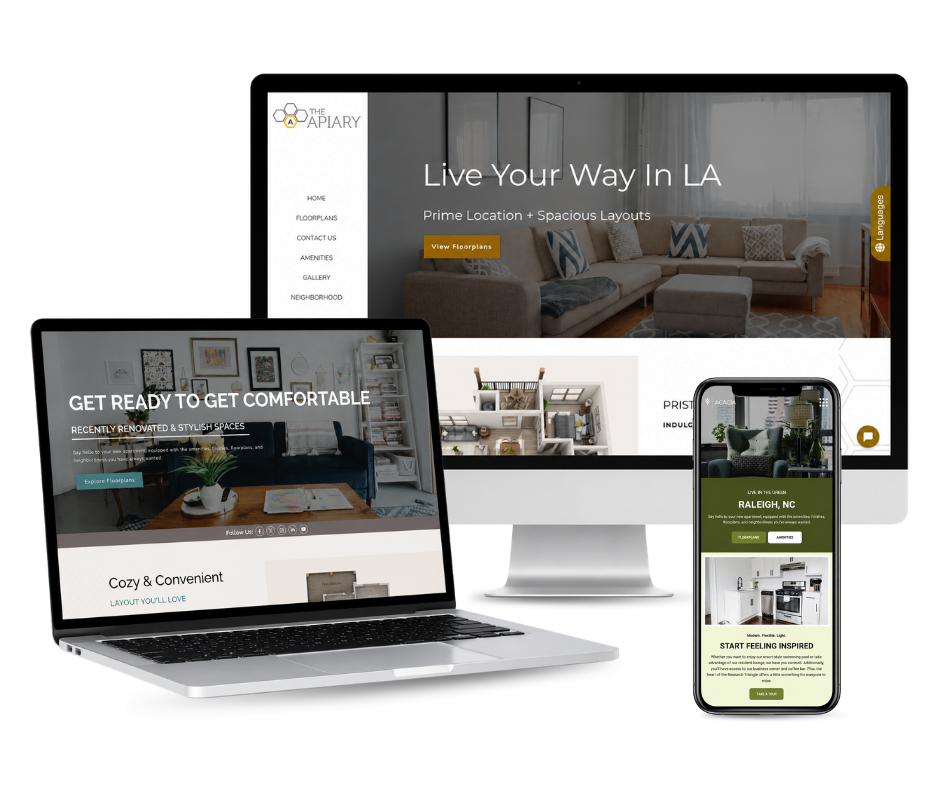
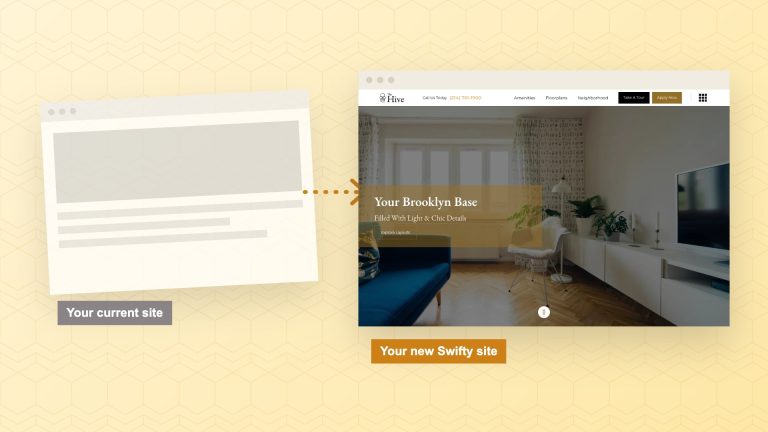
We just rebuilt all seven of our website themes from the ground up — and the principles above are exactly what we built them around. Not a fresh coat of paint. A foundation designed for how renters search today.
- A true drag-and-drop editor to activate, deactivate, and reorder sections across every page, with a live preview before anything goes public.
- A dedicated FAQ section you can drop onto any page — which doubles as fuel for AI search and Smart FAQs.
- Smarter floor plan pages with clear, renter-friendly filters that display correctly on every device.
- Faster load speeds and ADA accessibility enhancements built throughout.
- A cleaner, more modern look across headers, footers, and hero sections.
This is the foundation that makes owning your traffic actually work. H.E.L.P. pages, Google Business Profile, and Smart FAQs all drive renters somewhere. That somewhere has to load fast, work on a phone, and convert.

The Bottom Line
Your website is the only renter-facing asset you fully own, and it’s working against a three-second clock on a phone screen. Fast, mobile-first, accessible, and easy to keep current isn’t the premium tier anymore. It’s the baseline. Meet it, and your site stops being a brochure and starts being your hardest-working leasing tool.
Frequently Asked Questions
Does page speed really affect my Google ranking?
Yes, it can. Google considers page experience, including load speed, when ranking pages. Relevant content matters most, but a faster site could give you an edge, and a slow site loses visitors faster once they arrive, so the effect compounds.
Is web accessibility legally required for apartment websites?
The Department of Justice says the ADA applies to the websites of businesses open to the public, like a leasing office, and most lawsuits measure sites against WCAG. Ask your attorney about your specific obligations. Beyond legal exposure, an accessible site is simply easier for every renter to use.
How much does it matter that my team can edit the site themselves?
A lot. When updates require a developer and a wait, they tend not to happen, and the site goes stale. Self-service editing keeps content current, which helps both ranking and conversion.
What’s the difference between my website and an ILS listing?
You own your website and the traffic it earns. An ILS listing is space you rent on someone else’s platform, alongside competitors.
Related Blog Posts
The Buzz
Get Our Best Marketing Tips
New articles on multifamily marketing, search, and AI, straight to your inbox.