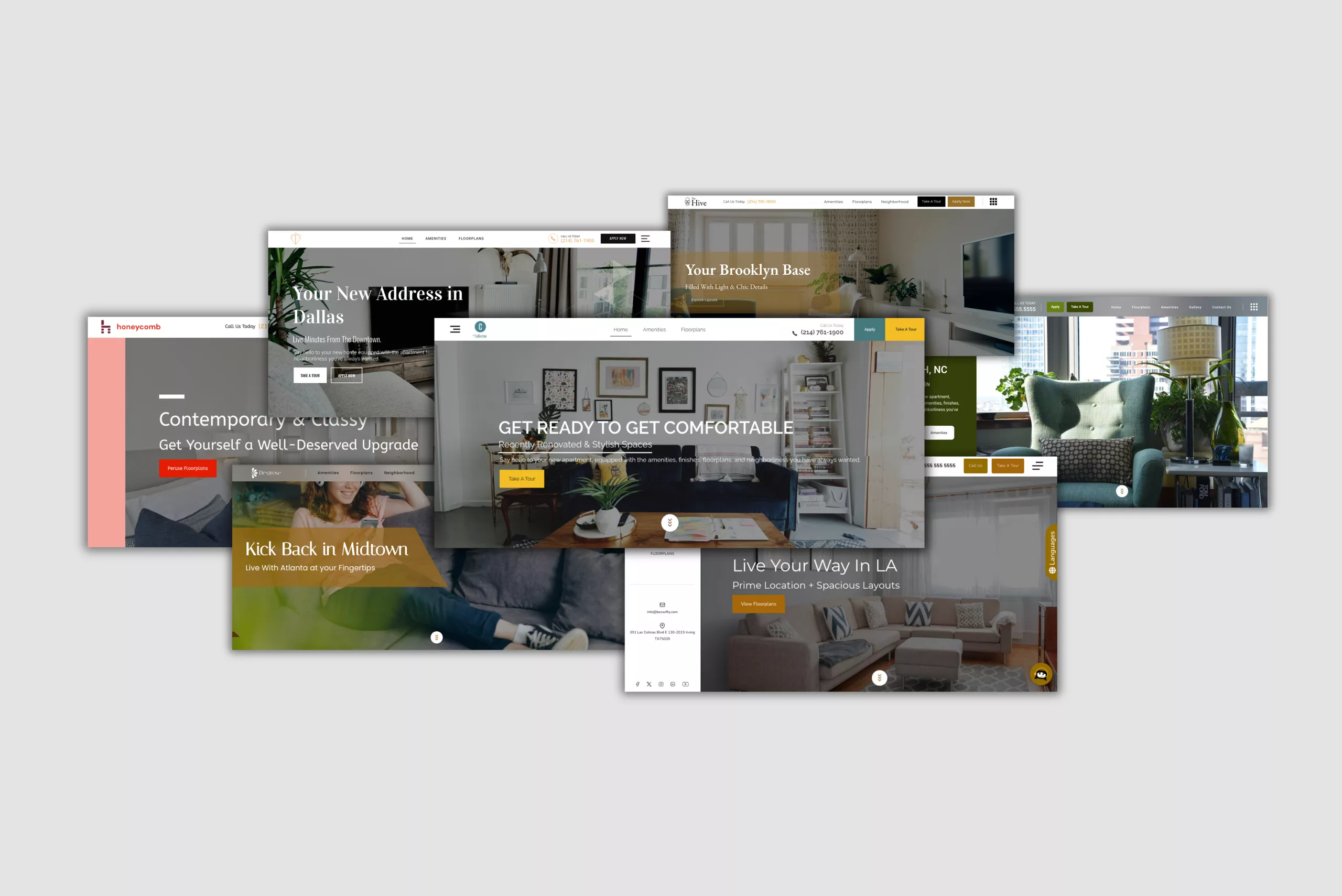


We didn’t refresh our website themes. We rebuilt them.
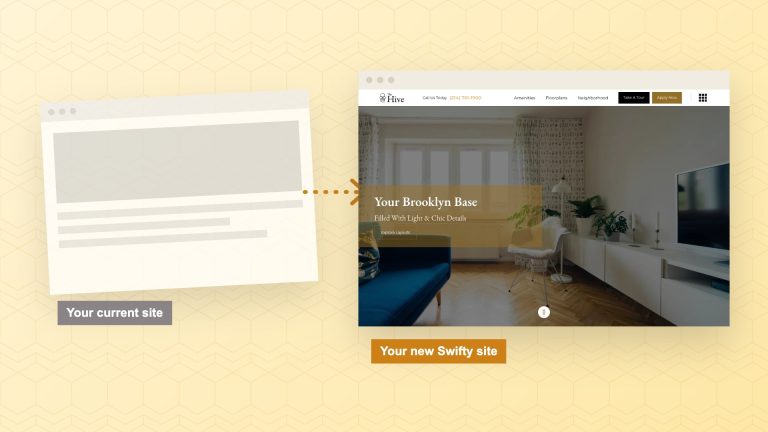
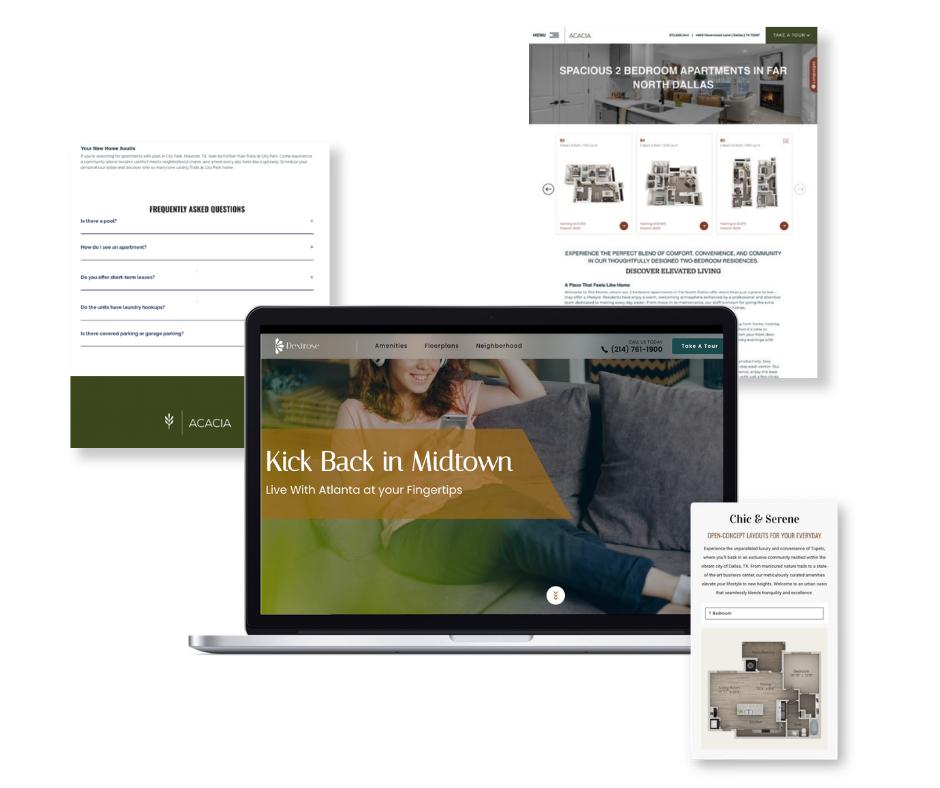
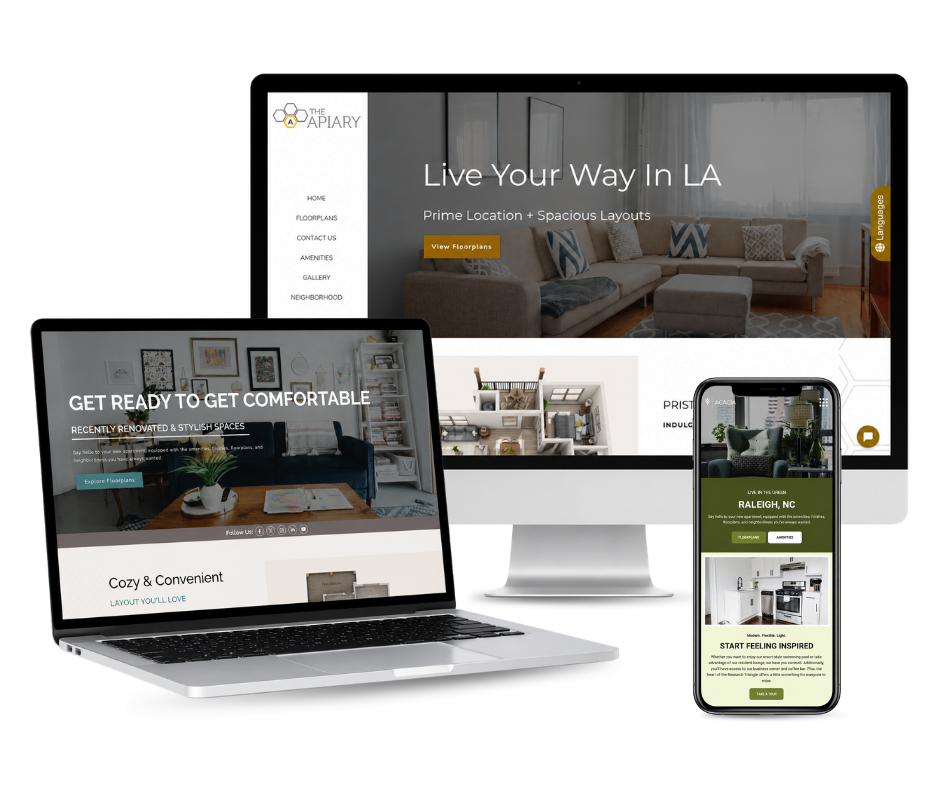
All seven Swifty themes are live today, redesigned from the ground up: a new drag-and-drop editor, new sections to work with, smarter floor plan pages, faster load times, and accessibility improvements throughout. If you’re a Swifty client, you can preview every one of them right now, before changing a thing about your live site.
Here’s everything that’s new — and how to take it for a spin.
A Redesigned, Easier-to-Use Editor
The biggest change is how you manage your site.
Your dashboard now includes true drag-and-drop editing. You can activate, deactivate, and reorder sections across all of your pages — homepage, gallery, amenities, tour, neighborhood, floor plans, contact, and FAQ. Want amenities above the fold this quarter? Drag it up. Running a move-in special and need a section to feature it? Turn one on. A live preview shows every change before it goes live, so you always see exactly what renters will see.
No developer. No support ticket. No waiting.

New Sections to Work With
We added new building blocks so your pages can do more:
- A dedicated FAQ section you can drop onto any page. Great for renters, and great for search and AI assistants that pull answers from structured content.
- Refreshed gallery layouts that show off your photos — your best salespeople — more cleanly.
- A new introductory section to set the tone at the top of a page and frame what makes your community worth a closer look.
Want your FAQ section working for AI search too? Here’s how to structure FAQs so AI and search engines actually use them.
A Cleaner, More Modern Look
Headers, footers, and hero sections have all been refreshed for a sharper, more current feel. Small details matter too: footer email addresses now appear as a simple “Email Us” link with a mail icon, instead of a long address cluttering the design.
The result is a site that looks like it belongs in 2026 — and that matches the quality of the community it represents.
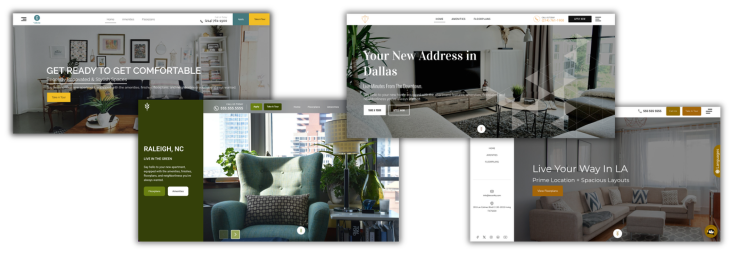
Smarter Floor Plan Pages
Floor plan pages are where a lot of leasing decisions happen, so we gave them real attention.
The floor plan search now uses clearer, renter-friendly labels — Move-In Date, Bedrooms, Price, and Sq. Ft. — so prospects can find what they want without guessing. Behind the scenes, we also did the less visible work to make sure floor plan pages display correctly across devices, whether someone’s on a laptop or a phone.
Floor plan pages quietly lose more renters than almost any other page. Here’s why they bounce, and how to fix it.

Faster and More Accessible
Two improvements run through every new theme.
First, speed. We improved page load times across the board, because a faster site keeps renters from bouncing and helps you rank better in search.
Second, accessibility. We added ADA accessibility enhancements throughout the themes, so your website provides a better experience for every prospective renter and reduces the accessibility-related legal exposure that has become a real concern for multifamily websites.
Why We Made These Changes
Our goal is simple: give every Swifty client a faster, more flexible website that’s easier to manage and better built for how renters search today.
There’s a longer-term payoff too. A cleaner, modern foundation lets us deliver new features, performance improvements, security updates, and accessibility enhancements far more efficiently going forward. In other words, these themes don’t just look better today — they make every future improvement faster to ship to you.
Because of that, these redesigned themes will eventually become the standard across all Swifty websites.Curious where all of this is going? Here’s our take on the future of apartment websites.
The Bottom Line
Seven themes, rebuilt from the ground up, with a better editor, smarter floor plan pages, a cleaner look, faster load times, and accessibility built in. They’re ready for you to explore today, on your timeline. Over the coming months they’ll become the new Swifty standard — so now’s the perfect time to take a look and start picturing your community on one of them.

Related Blog Posts

The Buzz
Get Our Best Marketing Tips
New articles on multifamily marketing, search, and AI, straight to your inbox.