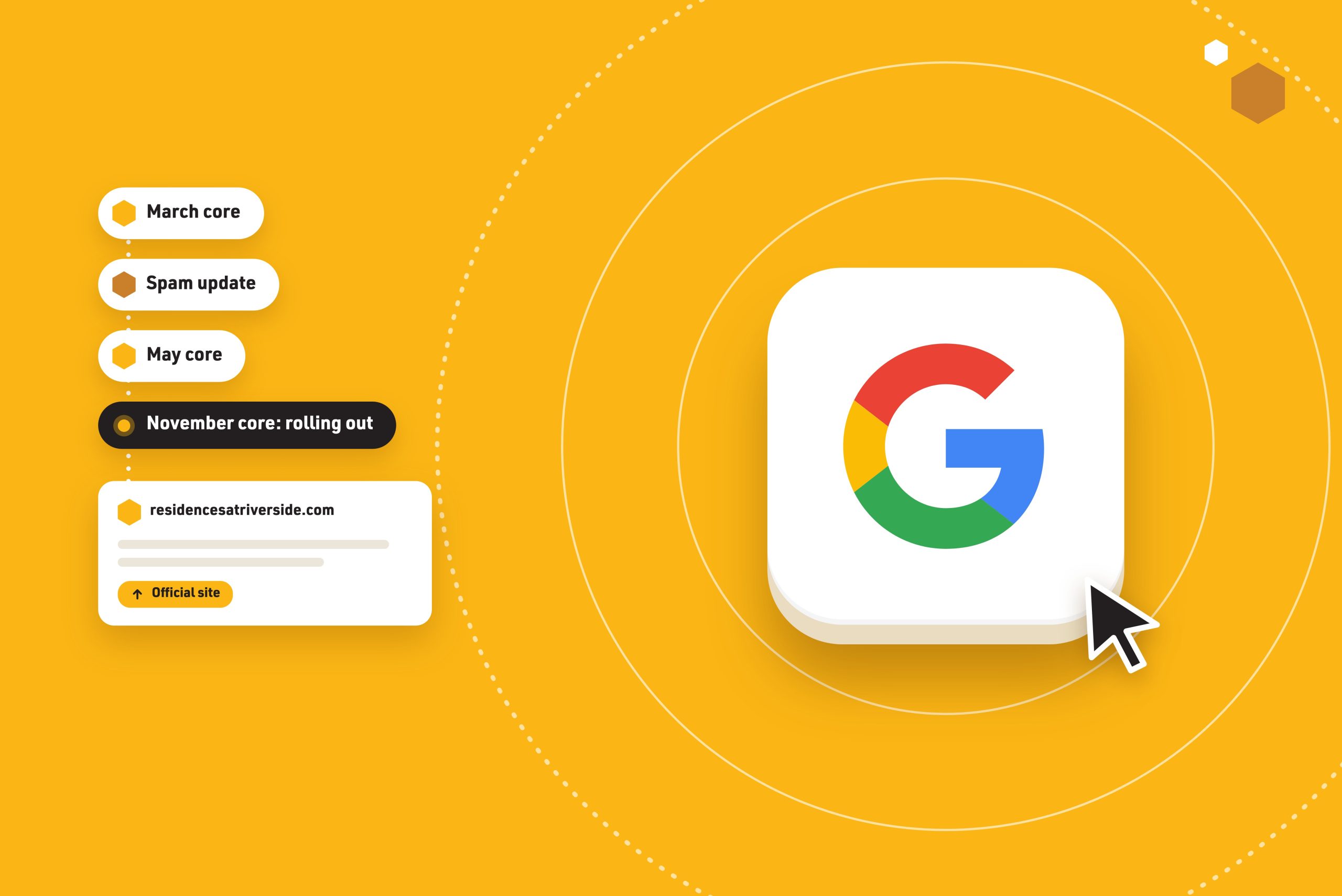


Google has logged eight ranking updates in 2026. Most apartment teams heard about one of them, if any.
That is not a knock on anyone. Leasing teams are busy filling units, not refreshing Google’s status page. But every one of those updates changed who shows up when a renter searches “apartments near” something in your market. Some of them moved your property up. Some may have moved it down. Very few operators could tell you which.
What a Google Algorithm Update Actually Is
Google changes its search systems thousands of times a year. Almost all of those changes are small and unannounced. The ones Google confirms on its Search Status Dashboard are the big ones, and they come in a few types:
- Core updates. Broad changes to how Google ranks pages overall. They do not target specific sites. They roll out over about two weeks and can move rankings across every industry, including yours.
- Spam updates. Changes to how Google detects and discounts manipulative tactics like bought links and scaled junk content. These usually roll out faster, often in a day or two.
- Other system updates. Occasional updates to specific surfaces, like the February 2026 update to Google Discover, the content feed in the Google app.
For apartment marketers, core updates matter most. They decide which kind of site Google trusts to answer a renter’s question.
Why Apartment Sites Feel These Updates Differently
Search a typical renter query in your market. “2 bedroom apartments near [hospital].” “Pet friendly apartments in [neighborhood].” You will usually see three kinds of results: listing sites, a few property websites, and the map pack.
That mix is exactly what core updates have been reshuffling all year.
Independent analysis of the March and May 2026 core updates by SEO consultant Aleyda Solis, using Sistrix visibility data, found the same direction both times. Visibility moved away from aggregators, directories, and comparison sites. It moved toward the official source: the brand or business that actually owns the answer. Job boards lost ground to employers’ own career pages. Comparison sites lost ground to the companies being compared.
Map that to multifamily. Listing sites are the aggregators. Your property website is the official source.
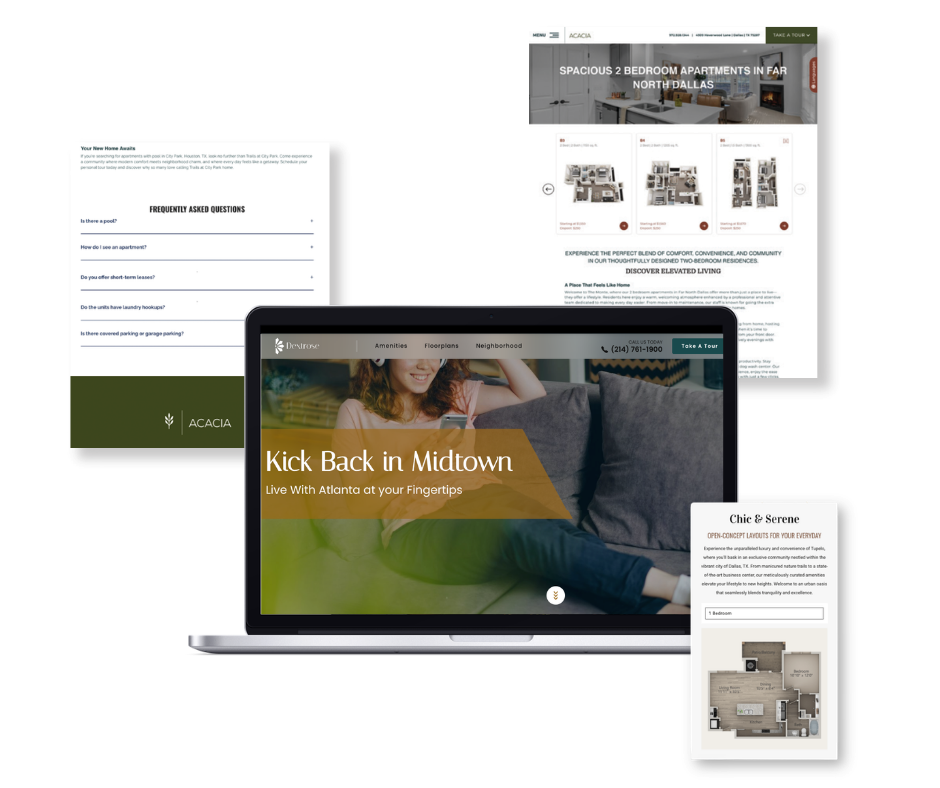
That last part is the catch. A five-page property site with a homepage, a floorplans page, and a contact form is official, but it does not answer “apartments near the medical center with a garage.” Google cannot rank an answer that does not exist.
Want the full breakdown of the March update? Read Google’s Spring 2026 Algorithm Update and What It Means for Multifamily.
How to Respond When an Update Rolls Out
The worst response to an algorithm update is a fast one. Here is the process we recommend.
-
Confirm It Is RealCheck Google’s Search Status Dashboard before you blame an update.
-
Do Not Touch Your Site Mid-RolloutNo rewrites or restructures while it runs, usually up to two weeks.
-
Wait a Full Week After It FinishesThen compare that week in Search Console to the week before the rollout began.
-
Account for Leasing SeasonCompare year over year. A winter dip is not always Google.
-
Find Out Which Pages MovedSort Search Console by page, then see who outranks you now.
-
Fix the Right ThingCore update: be the better answer. Spam update: audit your links.
1. Confirm It Is Real
Rankings wobble every week. Before you blame an update, check the Search Status Dashboard. If Google has not logged an update, the cause is probably something closer to home: a site change, a broken page, a tracking issue, or the season.
2. Do Not Touch Your Site Mid-Rollout
Core updates take up to two weeks to finish, and rankings can swing day to day while they settle. If you rewrite pages, delete content, or restructure your site during that window, you will never know whether the update or your changes caused what happened next.
3. Wait a Full Week After It Finishes
Google’s own guidance is to wait at least one full week after a rollout completes, then compare that week in Search Console against a week before the rollout started. Early “winners and losers” charts are noise.
4. Account for Leasing Season
This is the step most apartment teams skip. Search demand for apartments rises and falls with the leasing calendar. A November update lands right as demand cools for the winter. If your clicks dropped 15% in December, compare against last December before you call it an algorithm hit.
5. Find Out Which Pages Moved
If the drop is real, open Search Console and sort by page. Did your homepage lose rankings, or a handful of neighborhood and amenity pages? Then search the queries those pages used to win. Who is ranking now? A listing site, another property, or a local news article? The answer tells you what Google decided was a better fit for that search.
6. Fix the Right Thing
Core updates rarely come with a specific penalty to fix. Recovery comes from being the better answer: clearer, more specific, more useful pages for the searches you care about. Spam updates are different. If your traffic fell right after a spam update, look hard at where your backlinks come from and what your SEO vendor has been doing on your behalf.
Not sure what your vendor is doing for links? Read The Traffic Spike That Should Worry You: Black-Hat SEO in Multifamily.
How to Stay Updated Without Becoming an SEO Expert
You do not need to follow every SEO forum. You need three sources and a habit.
- Bookmark Google’s Search Status Dashboard. It is the only official record of confirmed updates, with start dates and durations.
- Turn on Search Console email alerts. Google uses them to flag indexing problems, manual actions, and security issues on your site. If you do not have Search Console access for your property, ask whoever built your website.
- Subscribe to a multifamily-specific brief. General SEO news is written for ecommerce and publishers. You want someone translating it for apartments.
That third one is why we built MultifamilyMarketing.com. Its free daily brief covers what moved for apartment marketers each weekday morning, and its Search Alerts page tracks every major change from Google and the AI search tools with what it means for your properties.
Every Google Ranking Update in 2026 (So Far)
Every update below is confirmed on Google’s Search Status Dashboard. Dates are rollout start dates; durations are as Google reported them.
| Update | Started | Type | Rollout |
|---|---|---|---|
| February 2026 Discover update | Feb 5 | Discover | About 22 days |
| March 2026 spam update Read: Black-Hat SEO in Multifamily |
Mar 24 | Spam | Under a day |
| March 2026 core update Read: Google’s Spring 2026 Algorithm Update |
Mar 27 | Core | About 12 days |
| May 2026 core update | May 21 | Core | About 12 days |
| June 2026 spam update | Jun 24 | Spam | About 2 days |
| August 2026 spam update | Aug 18 | Spam | About 3 days |
| September 2026 spam update | Sep 24 | Spam | About 14 days |
| November 2026 core update | Nov 10 | Core | Rolling out, up to 2 weeks |
A few patterns stand out. Three core updates, roughly one every two to three months. Four spam updates, with the September rollout running unusually long. And for the November core update, Google has published no specifics beyond calling it “a regular update designed to better surface relevant, satisfying content.”
How Swifty Handles This
Search360 is built on the idea that algorithm updates should be a non-event for your property. When your website is the clearest, most specific answer to what renters search for in your area, each update that favors official sources works in your favor instead of against you.
Here is what that looks like in practice:
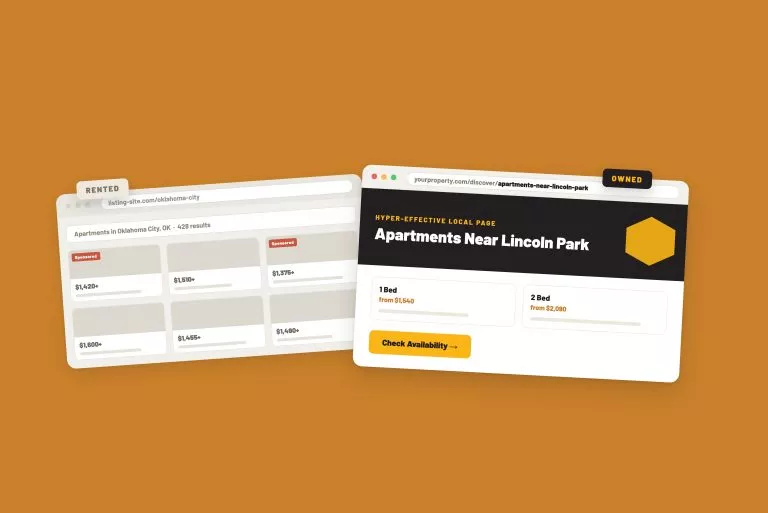
- H.E.L.P. (Hyper-Effective Local Pages) answer the local searches renters actually run, like apartments near a specific school, employer, or landmark, on your own site.
- Pages refresh as they lose traction. The system regenerates pages that start to decay, so your local footprint stays current between updates.
- Long-form Google Business Profile posts link back into your H.E.L.P. pages, connecting your map presence to the answers on your site.
- FAQs built around real renter questions give Google and AI search tools a direct answer to quote.
- No shortcuts. No bought links and no scaled junk content, which is what spam updates are designed to catch.
Curious what local pages look like in practice? Read You Need H.E.L.P. (The Multifamily SEO Strategy That’s Actually Working in 2026).

The Bottom Line
Google will keep updating its systems. You cannot control when, and chasing each update is a losing game. What you can control is whether your property website is the best answer to the searches that matter in your market. Do that, keep your hands off the site mid-rollout, judge results against the right baseline, and the next update becomes something you read about instead of something you recover from.
Related Blog Posts
The Buzz
Get Our Best Marketing Tips
New articles on multifamily marketing, search, and AI, straight to your inbox.